Support me
If you enjoyed this program and would like to support my future work, you can do so here:
Patreon
License
ChatGPT Conversation Viewer License Copyright (c) 2025 Borics Krisztián
We hereby grant a license to use the software free of charge to any person who
obtains a copy of the software and associated documentation files. Reverse engineering and modifying of the source
code and its use in another
product without the author's consent is prohibited. THE SOFTWARE IS PROVIDED "AS IS", WITHOUT WARRANTY OF ANY
KIND, EXPRESS OR
IMPLIED, INCLUDING BUT NOT LIMITED TO THE WARRANTIES OF MERCHANTABILITY,
FITNESS FOR A PARTICULAR PURPOSE AND NONINFRINGEMENT. IN NO EVENT SHALL THE
AUTHORS OR COPYRIGHT HOLDERS BE LIABLE FOR ANY CLAIM, DAMAGES OR OTHER
LIABILITY, WHETHER IN AN ACTION OF CONTRACT, TORT OR OTHERWISE, ARISING FROM,
OUT OF OR IN CONNECTION WITH THE SOFTWARE OR THE USE OR OTHER DEALINGS IN THE
SOFTWARE.
Download
You can browse your downloaded ChatGPT conversations with this app. You can download it from Miscosoft Store.
MS Store Download
Requirements
- Windows 10 / 11
- .NET 8.0
Documentation
At first start you will get some warnings on first launch because the setup is not complete. After the app starts, click on the setup icon.
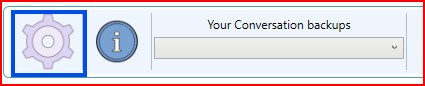
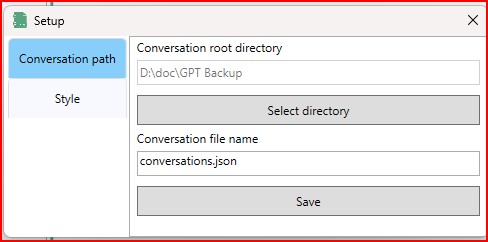
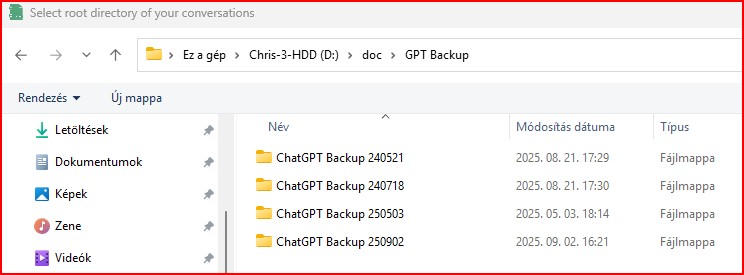
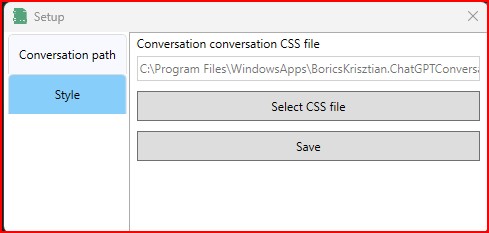
\Program Files\WindowsApps\BoricsKrisztian.ChatGPTConversationViewer_1.0.2.0_x64__jq2m0m791tns8\GPTConversations\styleMain screen
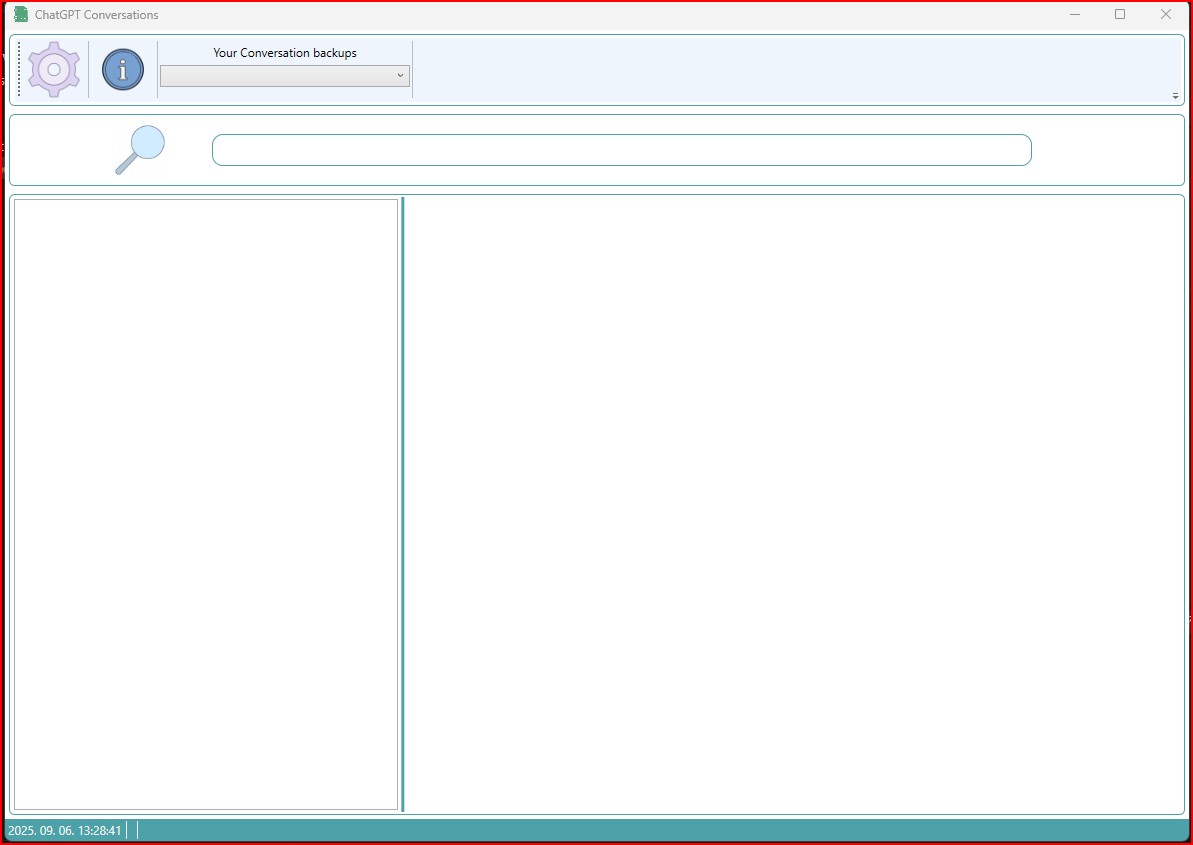
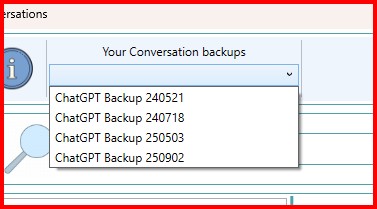

Search
The search feature lets you search within the conversation's basic data and conversations. Just type something in the search field and the app will filter the database and only show you content that contains the phrase you entered. A counter in the status bar shows the number of hits.

Screenshoots
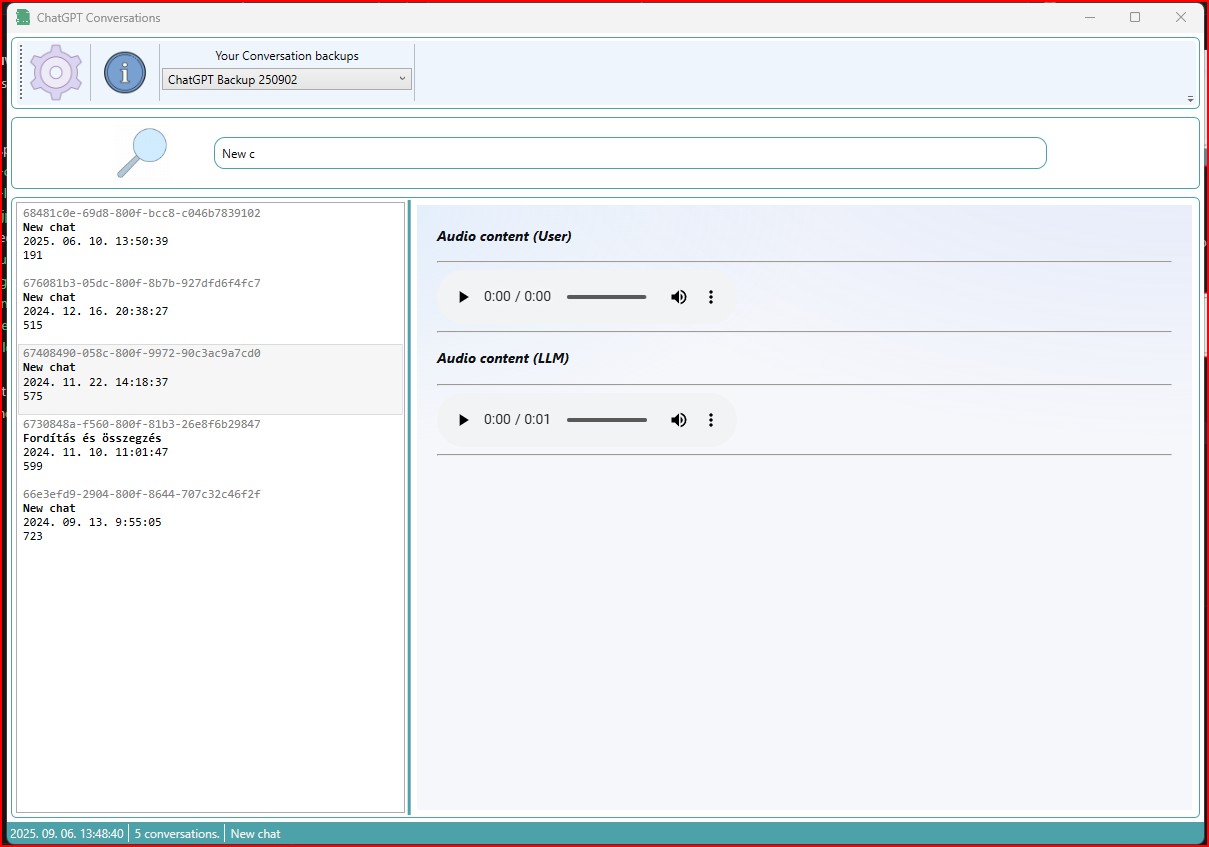
Audio Content
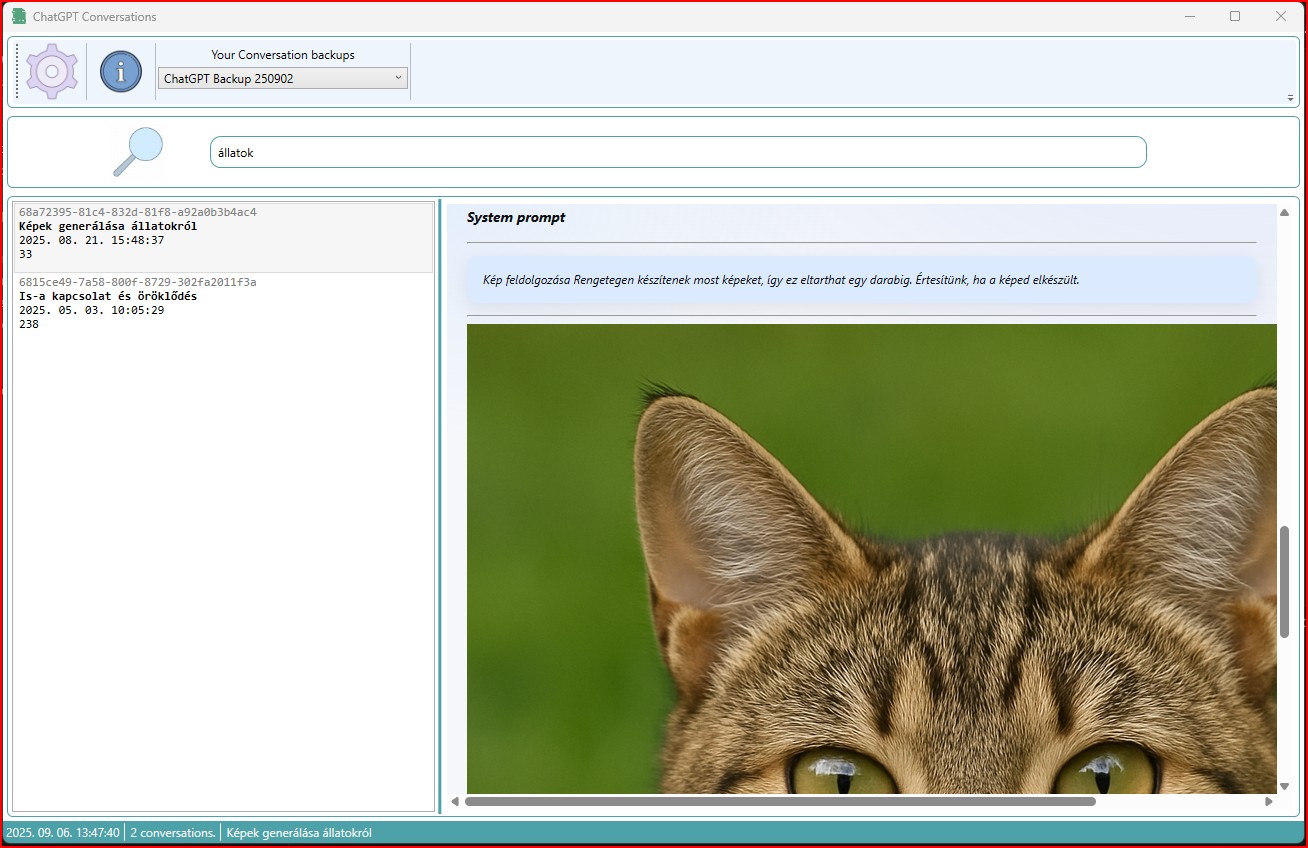
Search Result
Support me
If you enjoyed this program and would like to support my future work, you can do so here:
Patreon